6-Button Remote
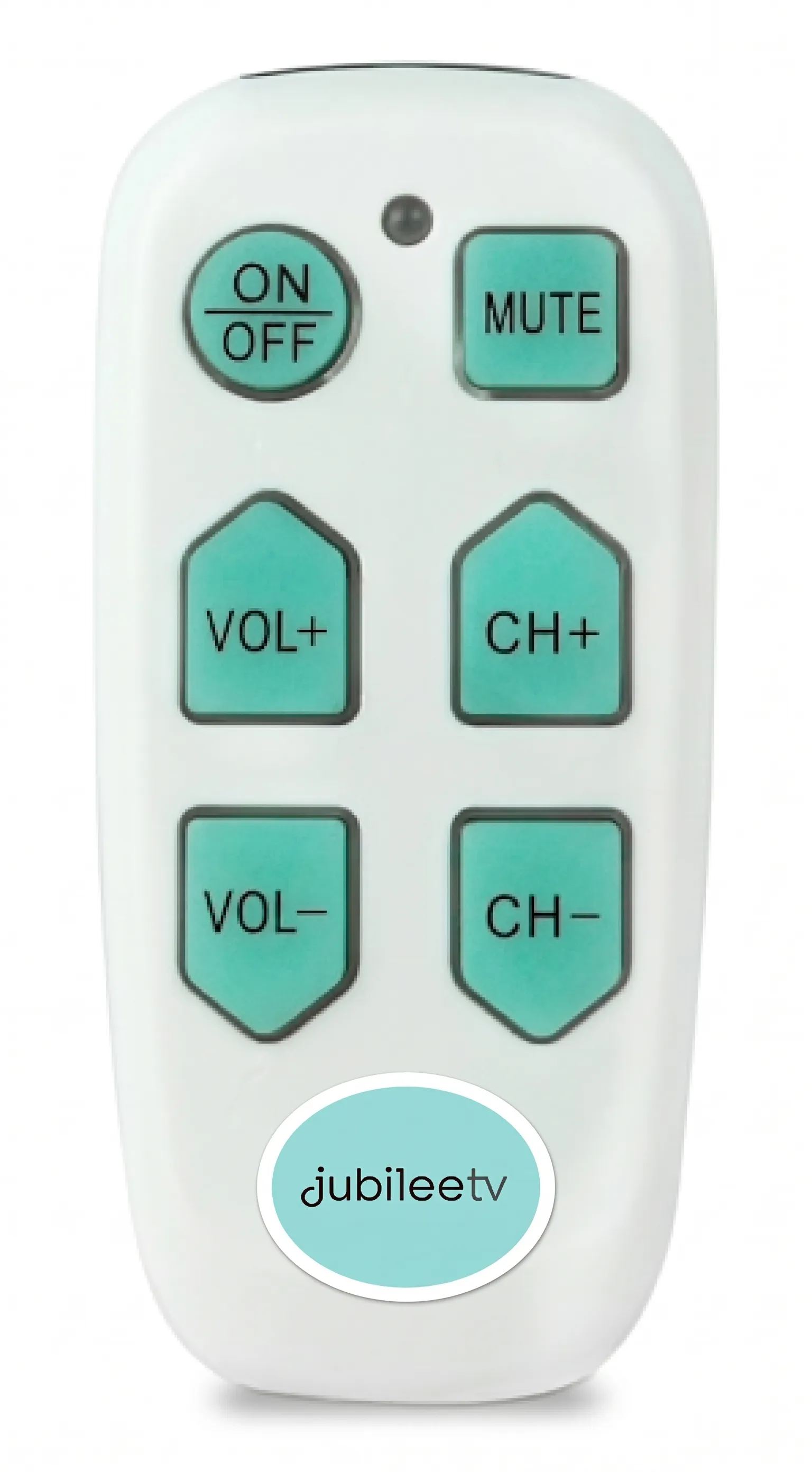
Overview
The 6-Button Remote is used to control JubileeTV when the system is configured to Passive Mode with 6-Button Remote. Please read JubileeTV Usage ModesJu for details and limitations.
PASSIVE MODE REQUIRED: The system must be configured to Passive Mode with 6-Button Remote before this remote can be used.
Where can I get the 6-Button Remote?
The 6-Button Remote is not included in your JubileeTV shipment—it must be purchased directly from our website.
PURCHASE the 6-Button Remote here.
Can I purchase the 6-Button Remote elsewhere and use it with JubileeTV?
Please ensure you purchase your 6-Button Remote directly from JubileeTV. We apply custom programming to every remote we sell to ensure it can communicate specifically with the JubileeTV Console.
While you might find an identical physical device from another retailer—often marketed as a simple remote, remote with big buttons, easy remote, or under brand names like EasyMote or Easy Mote—these standard versions are not compatible with JubileeTV. Because they lack our essential custom programming, off-the-shelf remotes purchased from outside vendors will not work with your system.
IMPORTANT: Only 6-Button Remotes purchased directly from JubileeTV will work with your console. Remotes from other retailers are not compatible.
How do I start using the remote?
Once your 6-Button Remote arrives, simply insert fresh batteries and configure your JubileeTV system to the Passive Mode with 6-Button Remote Usage Mode. For instructions on changing your settings, please read the JubileeTV Usage ModesJubileeTV Usage Modes article.
NO PAIRING REQUIRED: Because the 6-Button Remote uses infrared (IR) line of sight to communicate with the JubileeTV Console, no pairing is necessary.