Dish: Setting Remote Address to 1
2 min
Overview
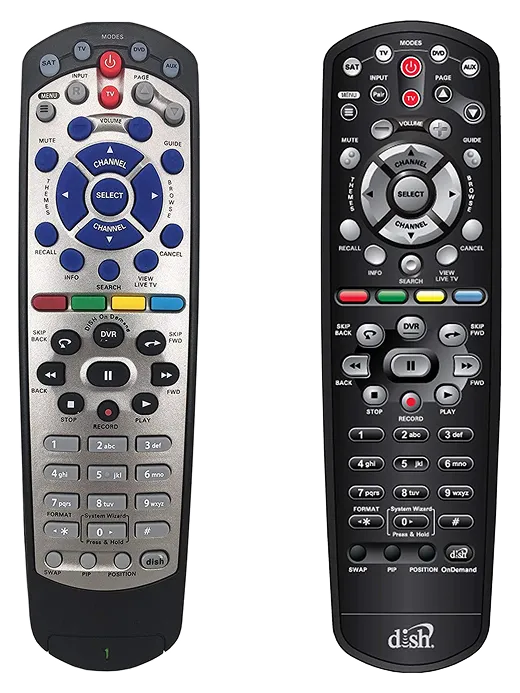
The older Dish cable/satellite set-top boxes that use the remotes pictured below must have their Remote Address set to 1 for the JubileeTV Console to control them.
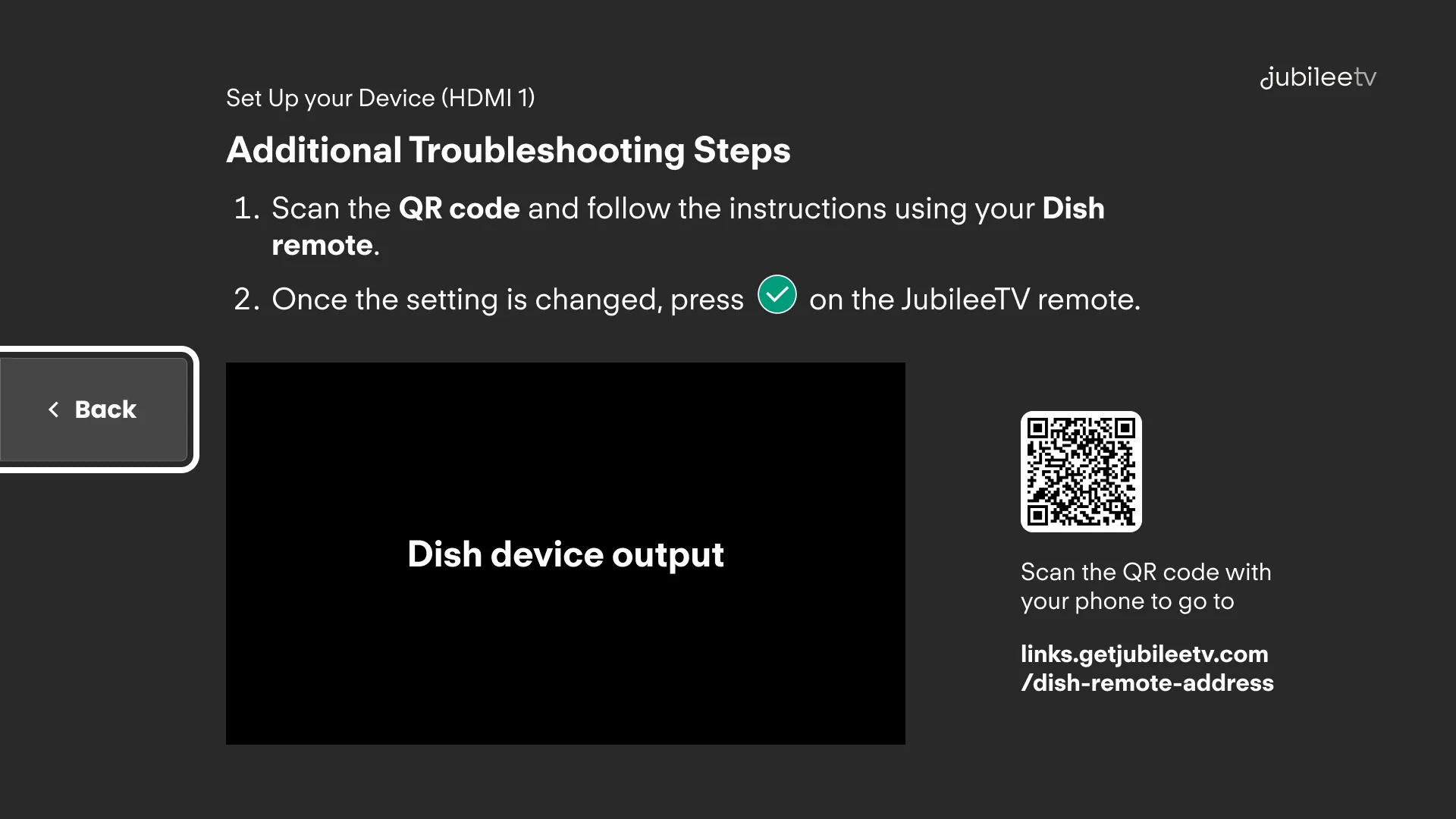
If you're stuck on the screen below while configuring your Dish box, please follow the instructions below to set Remote Address to 1.
Instructions
You will need to use your Dish remote (one of the remotes pictured above) to change settings on your Dish Box.
- Locate and press the SYSTEM INFO button on the front panel of your Dish receiver.
- While the System Info screen is displayed on your TV, point the Dish remote at the Dish box and press the SAT button on the remote.
- Press the number 1 on the Dish remote.
- Press the # button on the Dish remote.
- Press the RECORD button on the Dish remote.
- Press